Visualization Themes
This notebook demonstrates how to change the visualization theme in Optiland.
[1]:
from optiland.samples.objectives import DoubleGauss
from optiland.visualization.themes import Theme
from optiland import visualization
[2]:
lens = DoubleGauss()
Available Themes
[3]:
print(visualization.themes.list_themes())
['light', 'dark', 'solarized_light', 'solarized_dark', 'midnight']
Applying Themes
[4]:
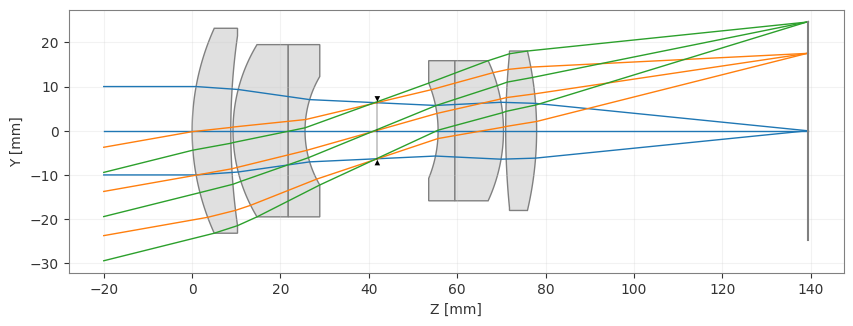
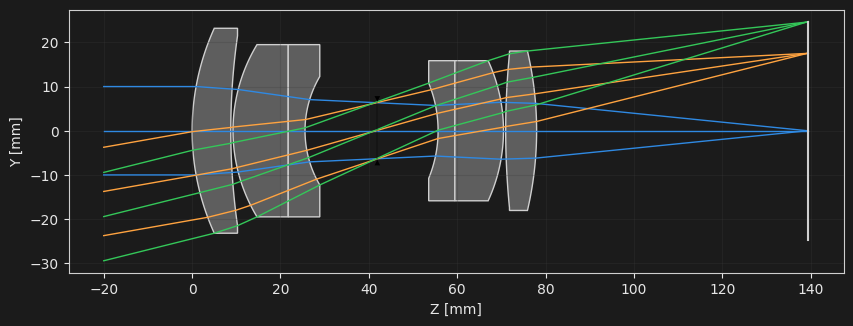
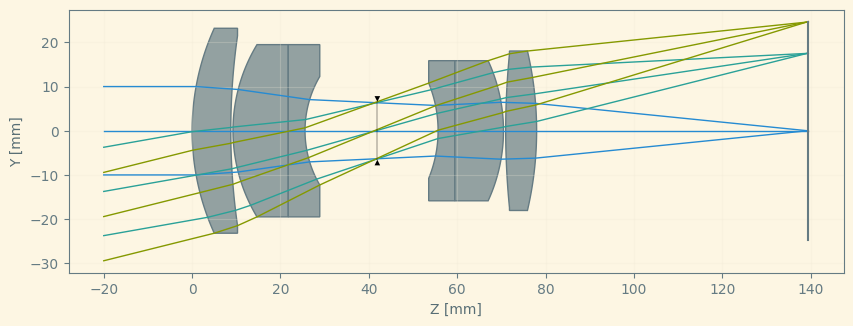
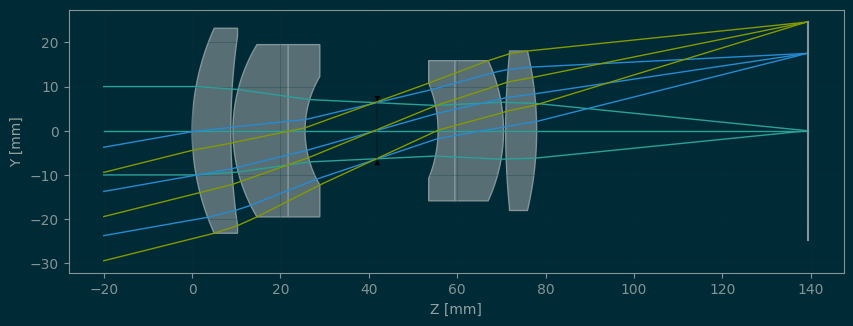
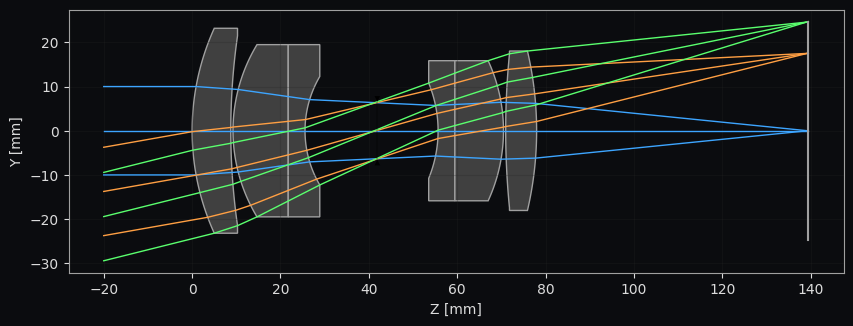
for theme in visualization.themes.list_themes():
    visualization.themes.set_theme(theme)
    _ = lens.draw()
Custom Themes
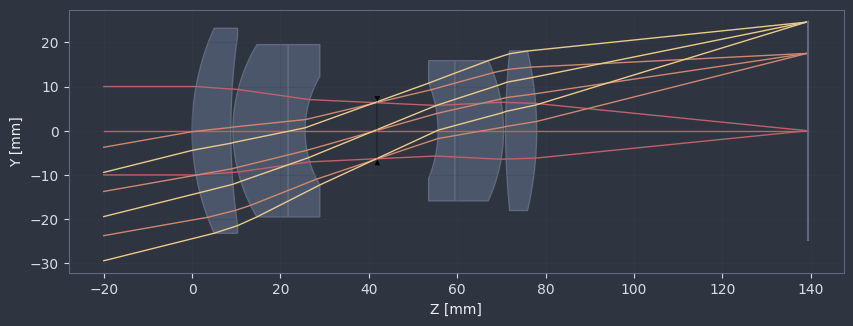
You can also create and register your own custom themes.
[5]:
# 1. Define a custom color palette (must include required keys)
custom_palette = {
    "background": "#2E3440",  # Deep gray-blue (Nord Polar Night)
    "axis": "#D8DEE9",        # Light gray (Nord Snow Storm)
    "text": "#ECEFF4",        # Brighter gray for text (Nord Snow Storm)
    "grid": "#3B4252",        # Muted gray-blue grid (Nord Polar Night)
    "lens": "#4C566A",        # Medium gray-blue for lenses (Nord Polar Night)
    "edges": "#606A7C",       # Softer gray-blue for lens edges (Polar Night variant)
    "ray_cycle": [            # Distinct yet subdued Nord accent tones
        "#BF616A",            # Red (Nord Aurora)
        "#D08770",            # Orange (Nord Aurora)
        "#EBCB8B",            # Yellow (Nord Aurora)
        "#A3BE8C",            # Green (Nord Aurora)
        "#B48EAD",            # Purple (Nord Aurora)
    ],
}

# 2. Create a Theme object using the palette
# You can optionally override other parameters (like figure size) here
custom_theme_obj = Theme(
    name='custom',
    description='A simple custom theme with distinct colors.',
    palette=custom_palette
    # Example of overriding a parameter:
    # **{"figure.figsize": (8, 3)}
)

# 3. Register the new theme object with a unique name
# Use try-except to avoid error if re-running the cell
try:
    visualization.themes.register_theme('custom', custom_theme_obj)
except ValueError:
    print("Theme 'custom' already registered. Proceeding.")

# 4. Set the new theme as active using its name
visualization.themes.set_theme('custom')

# 5. Draw the lens to see the custom theme applied
_ = lens.draw()