Tutorial 1d: Saving and Loading Optiland Files
This tutorial demonstrates how to save and load Optiland lens files in a human-readable json format. In addition to Optiland’s native JSON format, it is also possible to import and export commercial file formats such as Zemax (.zmx), CODE V (.seq), and OSLO (.len).
[1]:
from optiland.fileio import load_optiland_file, save_optiland_file
from optiland.samples.microscopes import UVReflectingMicroscope
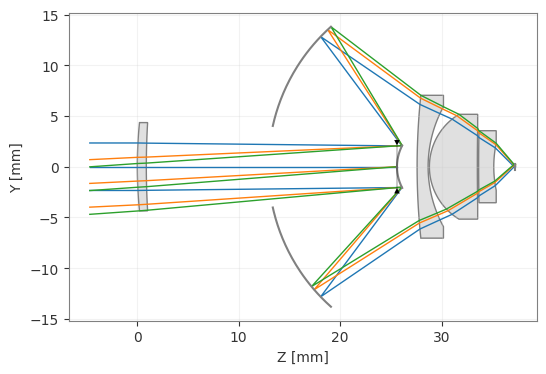
Load and draw a reflecting microscope system.
[2]:
system = UVReflectingMicroscope()
[3]:
_ = system.draw()
Save the system as a json file. This file is human-readable and contains all data relevant for the system, such that the model can be easily shared or reloaded later. To save the system, use the save_optiland_file method:
[4]:
save_optiland_file(system, "uv_reflecting_microscope.json")
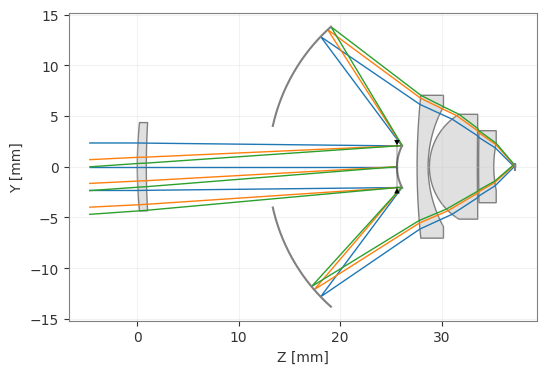
We can then load the system again using the load_optiland_file method:
[5]:
new_system = load_optiland_file("uv_reflecting_microscope.json")
[6]:
_ = new_system.draw()